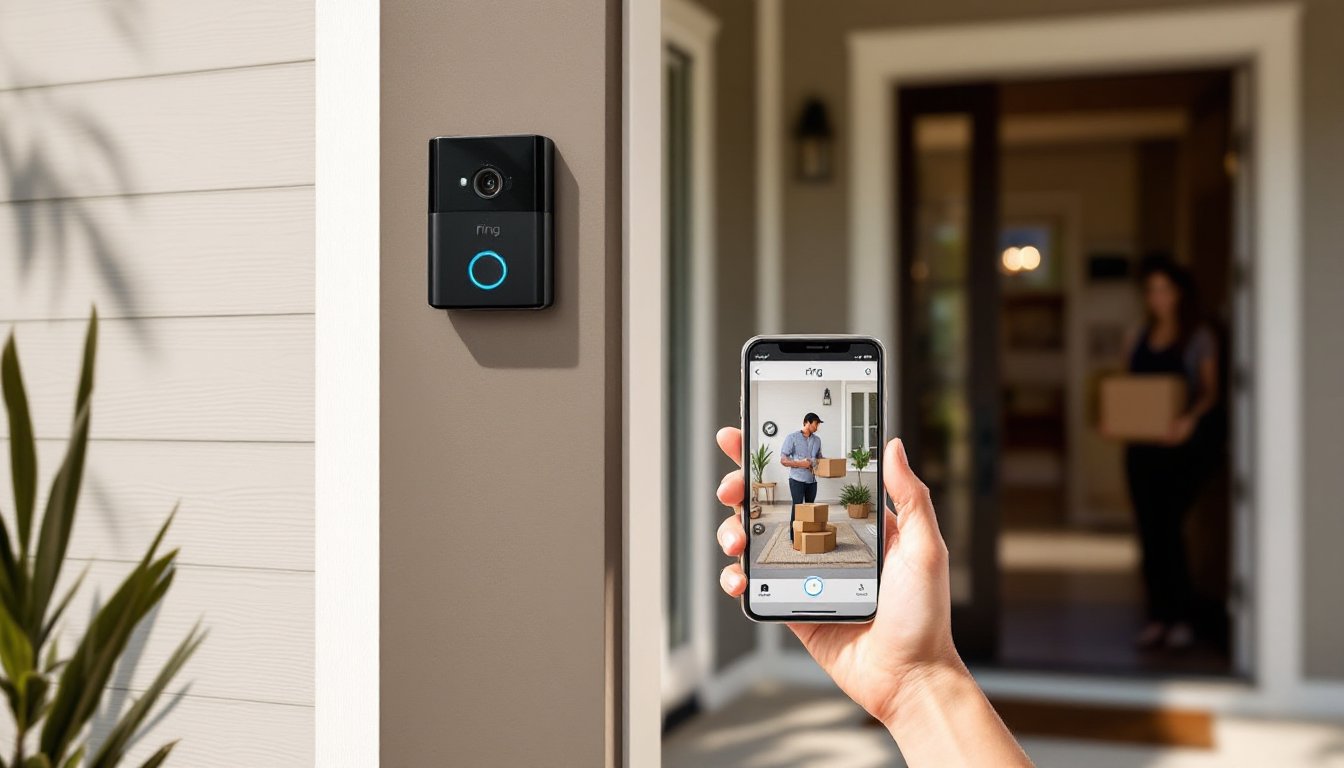
A wireless ring doorbell is one of those upgrades that sounds like a luxury until you’ve installed one, then you wonder how you ever lived without it. Whether you’re stepping out for groceries or away on vacation, you can see, hear, and talk to whoever’s at your door from your smartphone. It’s not just convenience: it’s real security and peace of mind. In 2026, these devices have become mainstream, affordable, and genuinely easy to install yourself without calling an electrician. This guide walks you through what makes them different, what features actually matter, how to set one up, and why homeowners across the country are making the switch.
Table of Contents
ToggleKey Takeaways
- Wireless ring doorbells provide real-time video, two-way audio, and motion alerts from your smartphone, making them essential for home security and convenience without requiring an electrician for installation.
- Video quality (1080p minimum), wide field of view (160–180 degrees), night vision, and AI-powered person detection are the most critical features to evaluate when choosing a wireless ring doorbell.
- Battery-powered models offer the easiest DIY installation with no wiring needed, while hardwired models provide continuous power and require only 15–30 minutes of work if existing doorbell infrastructure is in place.
- A wireless ring doorbell installation takes under an hour for most homeowners, involves basic tools like a screwdriver and voltage tester, and requires a strong Wi-Fi signal at your front door for optimal performance.
- Cloud or local microSD storage of footage, two-way audio for delivery instructions, and smart home ecosystem integration transform a wireless ring doorbell into a comprehensive home security and package management solution.
- Motion detection with customizable zones and schedules prevents alert fatigue while keeping you informed of genuine activity at your door.
What Makes Wireless Ring Doorbells Different From Traditional Doorbells
A traditional doorbell is a simple mechanical device: someone pushes a button, you hear a chime inside. That’s it. A wireless ring doorbell does that, but also streams live video to your phone, records footage, sends alerts, and lets you have two-way conversations with visitors in real time.
The biggest difference is the camera. Every wireless ring doorbell has a built-in HD or 4K camera that captures a wide-angle view of your porch. This alone changes how you interact with your front door. You’re not home? You can still see who delivered that package, whether a friend actually showed up, or if something suspicious happened while you were gone.
Another key shift: connectivity. Traditional doorbells rely on hardwired circuits running through your walls, 12 to 24 volts from a transformer. Wireless models either run on rechargeable batteries (like Ring’s battery-powered options) or connect to your existing doorbell wiring for constant power. Battery models are easier to install in rentals or homes without existing doorbell infrastructure. Hardwired models keep power flowing indefinitely without recharging.
Key Features to Look For When Choosing a Wireless Ring Doorbell
Not all wireless ring doorbells are created equal. A few specs and features genuinely matter for real-world use.
Video Quality and Night Vision Capabilities
Resolution matters. Look for at least 1080p HD video: many models now offer 2K or 4K. Higher resolution helps when you’re trying to read a delivery label, spot a license plate, or identify someone’s face. Night vision is equally important. Infrared (IR) night vision is standard across most models, but some also offer color night vision, which uses advanced sensors to capture color details even in low light, worth the cost if your porch has minimal ambient light.
Field of view (FOV) is another crucial spec. A wide FOV (typically 160–180 degrees) lets you see the entire porch, walkway, and package drop areas. Narrower views can miss activity off to the sides.
Motion Detection and Smart Alerts
Motion detection allows your doorbell to send push notifications to your phone when movement is detected. Advanced models let you customize motion zones, ignore traffic passing on the street, but alert you to activity right at your door. This prevents alert fatigue while keeping you genuinely informed.
Some wireless ring doorbells also include person detection, which uses AI to distinguish between a delivery driver, a package, or just a passing car. That’s a refinement worth paying for, especially if you live on a busy street. Schedules matter too, you can turn motion alerts off during certain hours or set different sensitivity levels for day versus night.
Installation and Power Options for Your Home
Installation difficulty depends on which power option you choose.
Battery-powered models are the easiest route. You charge the battery beforehand (usually takes 4–8 hours), screw the doorbell into the existing doorbell backplate or to the wall beside your door frame, and you’re done. No wiring, no tools beyond a screwdriver. The tradeoff: you’ll need to recharge every few months depending on traffic and feature use. Some homeowners charge monthly: others stretch it to quarterly.
Hardwired models tap into your existing doorbell wiring. If your home already has a doorbell transformer and doorbell button, you’ve got the infrastructure in place. The installation involves removing your old doorbell, connecting two wires to the wireless ring doorbell’s terminals, and mounting the unit. This takes 15–30 minutes. No permit needed for a simple swap. Hardwired doorbells don’t require battery management and deliver continuous power, so they’re ideal if you use recording 24/7 or want zero maintenance.
Check whether your home has an existing transformer. If you don’t have a doorbell at all, you have two options: go battery-powered (simpler), or hire an electrician to install a transformer ($150–$300). That crosses into professional territory: most DIYers stick with battery power in this scenario.
Wi-Fi connectivity is non-negotiable. Your wireless ring doorbell connects to your home network via 2.4GHz or 5GHz Wi-Fi. Make sure your router signal reaches your front door or buy a mesh network extender. Poor Wi-Fi = delayed alerts and choppy video. Test your connection strength before finalizing placement.
How to Set Up Your Wireless Ring Doorbell: A Step-by-Step DIY Guide
Here’s the basic process for a hardwired installation (battery models skip steps 2 and 3).
Materials & Tools:
- Wireless ring doorbell unit
- Screwdriver (Phillips or flathead, depending on your model)
- Voltage tester or multimeter (optional but recommended)
- Wire strippers (if re-terminating wires)
Safety:
If hardwiring, turn off power to your doorbell at the breaker or transformer before touching any wires. Use a voltage tester to confirm power is off. Wear safety glasses.
Steps:
-
Remove your old doorbell. Unscrew and pull it away from the wall. Take a photo of the existing wire connections so you remember which wire goes where.
-
Test the power. Use a voltage tester on the exposed wires to confirm the circuit is dead.
-
Connect the new doorbell. Most hardwired models have two terminals: one for each wire from your transformer. Loosen the terminal screws, insert the stripped wire ends about ¼ inch, and tighten. Make sure wires don’t touch or cross.
-
Mount the faceplate or backplate. Align the mounting hardware with the existing wall hole or drill new holes if needed. Use the provided screws: don’t over-tighten, or you’ll strip the plastic.
-
Attach the camera unit. Snap the doorbell body onto the backplate. Most models click or screw in place.
-
Restore power. Turn the breaker back on and check that a light or indicator on the doorbell activates.
-
Download the app and connect to Wi-Fi. Open the Ring or equivalent app, follow the onscreen prompts, scan the QR code on your doorbell, and select your home network. Wait for the app to confirm connection, this typically takes 1–2 minutes.
-
Test video and audio. Have someone ring the doorbell or trigger the motion sensor from outside while you watch the live feed on your phone. Check that two-way talk works by speaking through your phone.
Most homeowners finish in under an hour. If you hit snags with wiring, stop and consult a licensed electrician: doorbell circuits carry low voltage, but mistakes can still damage your transformer or the new unit.
Security Benefits and Peace of Mind Features
A wireless ring doorbell is fundamentally a deterrent and a surveillance tool. Potential package thieves and intruders see a camera and often move on. You get a timestamped video record of every person who approaches your door, delivery personnel, service workers, suspicious visitors, and more.
Cloud storage or local storage of footage is crucial. Most systems offer free cloud storage of recent events (typically 30–60 days), with paid plans unlocking longer retention or higher-res archives. Some models support local storage via microSD cards (up to 256GB on certain units), giving you an offline backup independent of internet outages.
Two-way audio is a game-changer for delivery instructions. Instead of leaving packages on the porch or returning them, you can tell a driver exactly where to place an item or confirm they’re at the right address, without opening your door. That’s convenience and security.
Integration with other smart home devices adds another layer. Many wireless ring doorbells link to smart lights, locks, and hubs. Motion triggers can automatically turn on your porch light at dusk, or unlock a smart lock for approved delivery personnel. This ecosystem doesn’t require multiple apps: most systems operate from one central app.
For a full picture of what’s available and how top models compare, CNET’s curated selection of wireless video doorbells offers detailed reviews and performance breakdowns. Similarly, Tom’s Guide reviews and ranks the best wireless video doorbells for home security features and durability. And if you want a comprehensive guide, Digital Trends provides detailed comparisons of top wireless doorbell options to help you narrow down choices based on your specific needs.